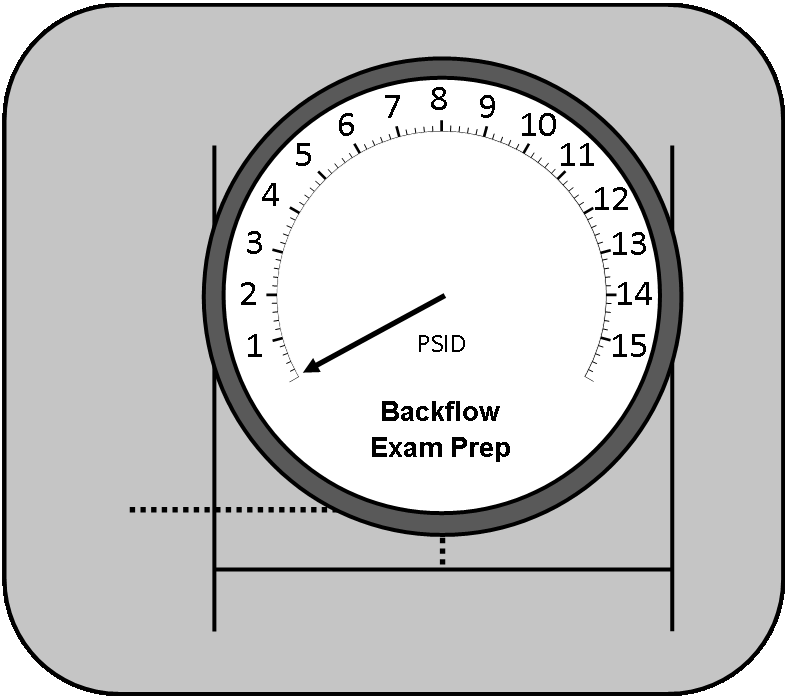
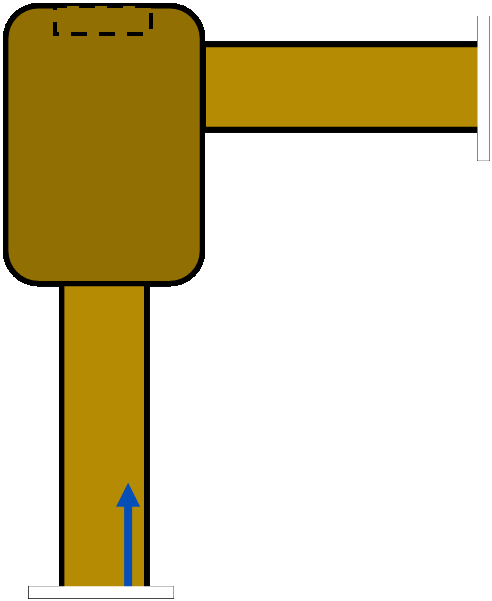
Please click/touch the data plate on the backflow device to start NIIO.
Clicking/Touching the data plate will copy the backflow information to the test form (model, make, size, serial number etc), then you'll get a reminder to complete NIIO.
Access the test form by either clicking/touching the gray tab to the right to slide out the form into view, or by swiping left on the test form to open it and swiping right to close it.
This step is different from the properly operating steps.
Disconnect each of the following: sight tube (click the sight tube to empty it then you can move it), bleed off valve and hose. Then, reconnect sight tube, bleed off valve and hose to continue.
Disconnect the hose end from the test kit to continue. (Click and hold the hose end on the low side, and drag it away from the test kit to disconnect it.)
Click on the sight tube to empty it, then you can click on the sight tube to disconnect it (by dragging it away).
This step is different from the properly operating steps.
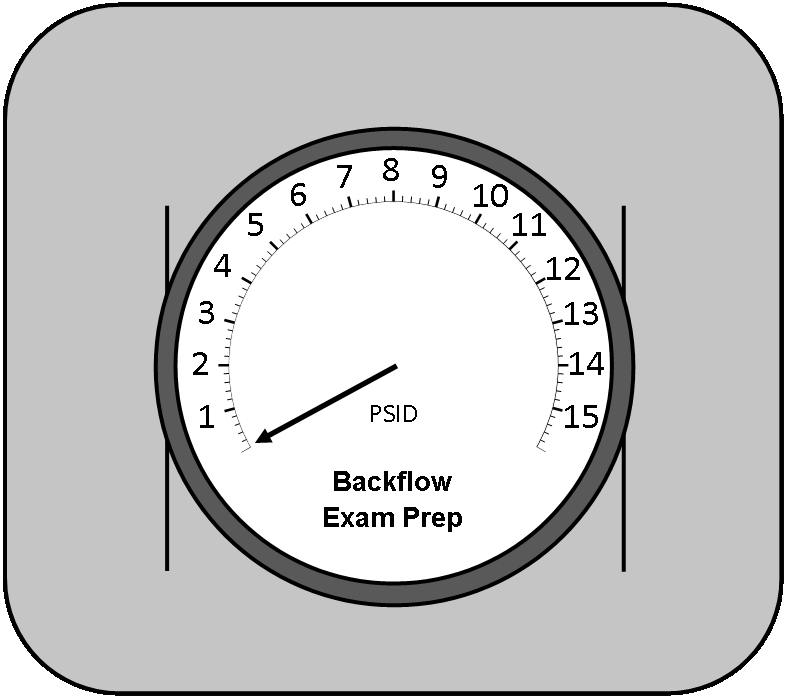
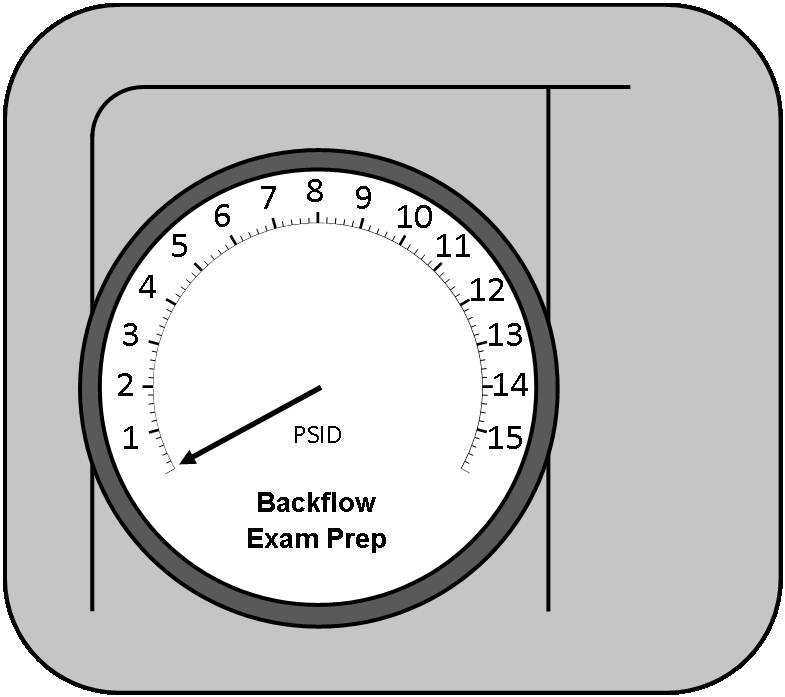
Record this value on the test form.
Record this value on the test form.
Observe this value, you may have to record it later.
Name saved successfully!
No saved name found!
Certification and Calibration data saved successfully!!
Notes saved successfully!
The test is complete. Remember to fill out all relevant fields in the test form before you click/touch the submit button to officially end the scenario!
If you don't recall all of the values, click on the Test Values button to the left of the test kit to see the test values. Click on the "Clues" Button below to highlight the fields in the test report you need to fill out for this scenario.
Please select a Test Kit, Backflow, and Condition from the menu above.
Then click Start Practice Test to begin.
Please Note: This program currently guides you step by step. Start each test scenario by clicking the data plate (silver plate) on each backflow, and end the scenario by submitting the completed test report.
If you change the Test Kit, Backflow or Condition during a test, you'll lose your current progress. Would you like to change your current test?
Changing this option will change how strictly you follow the testing procedures.
The "Strict" option follows the testing procedures word for word, and you cannot do anything outside of the official order. (One example is while testing a DC, you HAVE to flush the test ports in order, first test port 1, then 2, then 3 then 4.)
The "Flexible" option gives you more flexibility when testing. (One example is that you can flush the DC test ports in any order).
We added this flexibility since some areas are stricter than others.
Would you like to change the training mode strictness and restart this scenario? (You can change it back at anytime).
Only change test procedures if you are sure the accepted test procedures in your area do not follow USC's 10th Edition. Confirm with your instructor before changing. If you don't have an instructor, email us at backflowexamprep@gmail.com and we'll find out for you. Would you like to change your current test procedures?
Are you sure you want to start a new test scenario?
Serial Number: E91875
Manufacturer: Backflow Exam Prep
Model: 800XZ
Type: DC
Size: 1.00 (Inch)
I have completed NIIO:
Notified the customer their water service will be interrupted.
Identified the backflow device to confirm it's the correct device.
Inspected the backflow to ensure all components are present.
Observed the area for possible signs of leaks or damage to the backflow device.
I have verified this is the correct backflow assembly and notified the property occupant I will be testing the backflow assembly.
×
Test Form Submitted Successfully! Would you like to restart or change the current test?
There are multiple ways the relief valve can fail.
Please choose which option to practice.
There are multiple ways the relief valve can fail. Please choose which option to practice.
There are multiple ways the relief valve can fail. Please choose which option to practice.
At this point in the test, there are multiple ways the #2 Shut Off Valve can fail. Please choose which option to practice.
At this point in the test, there are multiple ways the #2 Shut Off Valve can fail. Please choose which option to practice.
At this point in the test, there are multiple ways the #2 Shut Off Valve can fail. Please choose which option to practice.
At this point in the test, there are multiple ways the #2 Check Valve can fail. Please choose which option to practice.
At this point in the test, there are multiple ways the #2 Check Valve can fail. Please choose which option to practice.
At this point in the test, there are multiple ways the #2 Check Valve can fail. Please choose which option to practice.
This will save your current filters as a reusable smart deck.
Flashcard Options
Using deck: All cards
Manual
Filter
Using: All cards
My Ratings
Leave all unchecked to use all cards.
Topics
Leave all unchecked to include all topics.
Decks
Delete deck?
Personal Study Plan/Timer
Spaced repetition
Timer
Display
Display
↓ Open/Close Test Form ↓
✥×
0
×
Question Feedback
Email Comments/Issues/Complaints to backflowexamprep@gmail.com
✥×
Tap keys...
(Click anywhere to begin)
(Loading)
Please rotate your device to landscape mode for the best experience.
0
High Side Needle ValveLow Side Needle ValveHigh Side ConnectionLow Side ConnectionReading
0
High Side Bleed Needle ValveLow Side Bleed Needle ValveHigh Side ConnectionLow Side ConnectionBypass Needle ValveReadingTest Kit Valve ATest Kit Valve BTest Kit Valve CHigh Side ConnectionLow Side ConnectionReading
0
High Side Bleed Needle ValveLow Side Bleed Needle ValveHigh Side ConnectionLow Side ConnectionBypass Needle ValveHigh Side Control Needle ValveLow Side Control Needle ValveReading
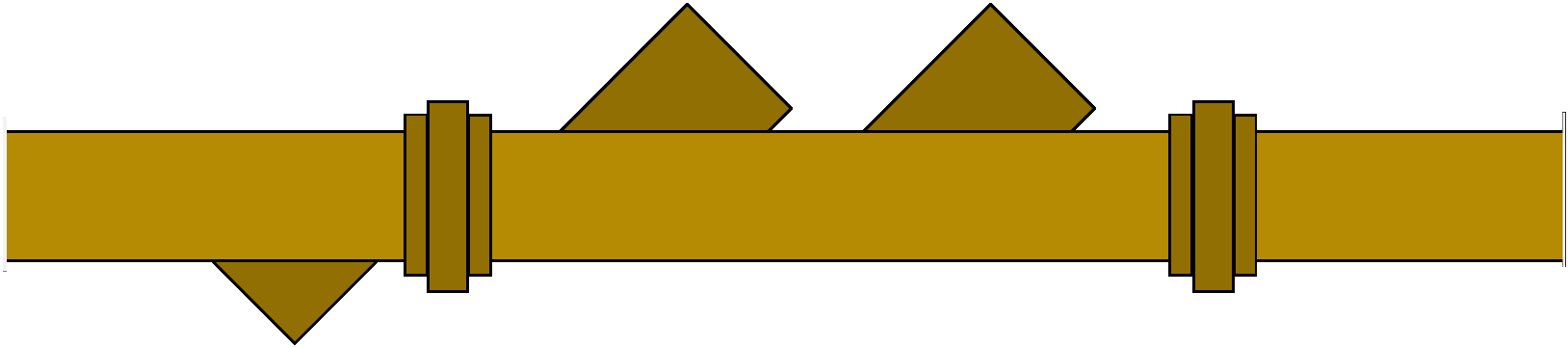
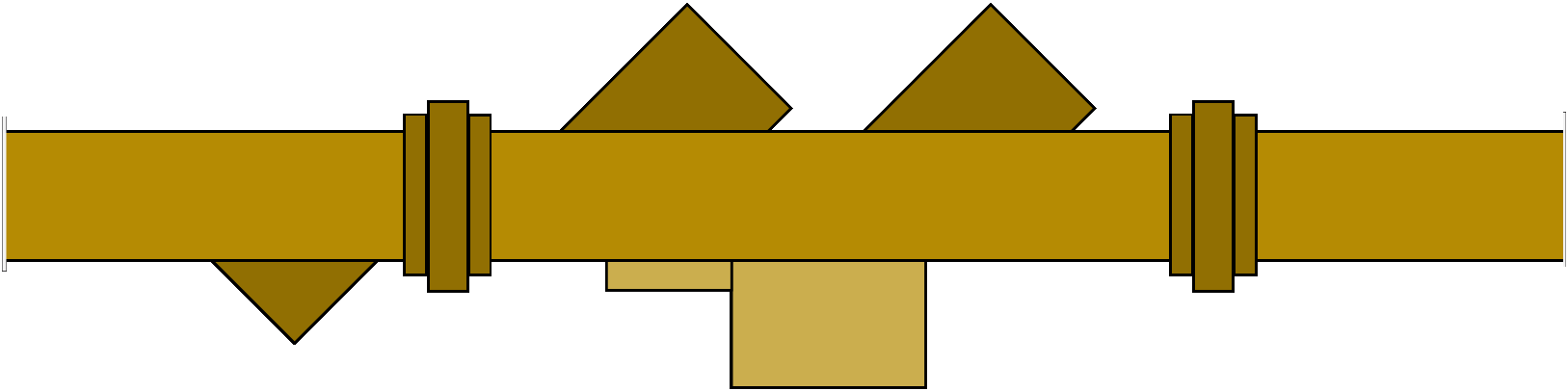
Test Port 1Test Port 2Test Port 3Test Port 4#1 Shut Off Valve#2 Shut Off Valve#1 Check Valve#2 Check ValveData Plate
Test Tap 1Test Tap 2Test Tap 3Upstream Isolation Valve (#4)Downstream Isolation Valve (#5)#1 Check Valve#2 Check ValveY StrainerData Plate
Test Port 1Test Port 2Test Port 3Test Port 4#1 Shut Off Valve#2 Shut Off Valve#1 Check Valve#2 Check ValveRelief ValveData Plate
Test Tap 1Test Tap 2Test Tap 3Upstream Isolation Valve (#4)Downstream Isolation Valve (#5)#1 Check Valve#2 Check ValveRelief PortY StrainerData Plate
Test Port 1Test Port 2Air Inlet Valve#1 Shut Off Valve#2 Shut Off ValvePVB CoverData Plate
Test Port 1Vent ValveAir Inlet Valve#1 Shut Off Valve#2 Shut Off ValveSVB CoverData Plate
Test Procedures
✥×
Test Values
×
Are you sure?
×
Backflow Prevention Association of Australia Testing Procedures
These testing procedures are different from the USC 10th Edition Testing Procedures, this is a demo.
Help & Support
Feel free to reach out to us at backflowexamprep@gmail.com if you have other questions or concerns!
User Debug Info
×
Exam Mode
Under Construction! When this is working, you'll be able to simulate a practical (hands-on) exam and get personalized feedback on each exam. We are aiming to complete this by mid 2026.
×
Write any notes/comments/questions here. Please include Initials, date, scenario (test kit, backflow, and condition) and the step number if you can, the browser you are using and the type of device/model you are using (this will help us fix potential display issues). You can save the notes here too. If its a display issue, it would help if you let me know This wont automatically send the notes to me though, so you'll have to email them (backflowexamprep@gmail.com) or text them to me.